Proposals: from quote to signature.
Work starts before the invoice does — with a quote, and someone saying yes to it. Numirio now handles that half too: draft a proposal, send it, let your client sign it in their browser, and turn the signed agreement into a deposit or a full invoice.

Every invoice I have ever sent started somewhere earlier — with a quote, and a client saying yes to it. Numirio only ever picked up the story after the yes. The part before it lived in email, in a PDF someone exported once, in a thread you scroll back through six months later trying to work out what exactly you agreed to. That part is now in Numirio.
One document, with a signature step
A proposal holds what you would put in a quote anyway: an intro, the scope written as headings and bullets, the priced lines, and your terms. You draft it, you send it, and your client gets a link. They open it in a browser, read it, type their name, and sign. No account, no password, nothing to install on their end.
Proposals number from their own sequence, separate from invoices. A quote that gets declined never quietly eats an invoice number — those carry tax meaning and should stay unbroken.
A signature that means something
When you send a proposal, Numirio freezes exactly what it said and fingerprints it. The signature your client leaves points at that exact version. If the document changed afterwards, Numirio tells you so — out loud, on the signatures view — instead of letting a mismatch pass quietly. You can countersign from your side, and a copy of the signed agreement goes to the client's address on file, not to whatever address the signer typed.
The Approve and Decline buttons in the email open the proposal and ask again. They never sign anything on their own. Corporate mail scanners and link previewers follow URLs in email before a human sees them, and a one-click signature endpoint would let a machine agree to a contract nobody read. If you want a stricter check, you can require the signer to type the client’s email address before signing.
Then it turns into an invoice
Once a proposal is signed, one step turns it into an invoice — the whole amount, or a deposit for part of it. Deposits are taken from the agreed net with the proposal’s own tax re-applied, so the deposit and the remainder reconcile back to the total instead of drifting a few cents apart. Numirio computes how much of the agreement you have invoiced so far, and keeps computing it, so voiding or editing one of those invoices never leaves a stale number behind.
Also in this release
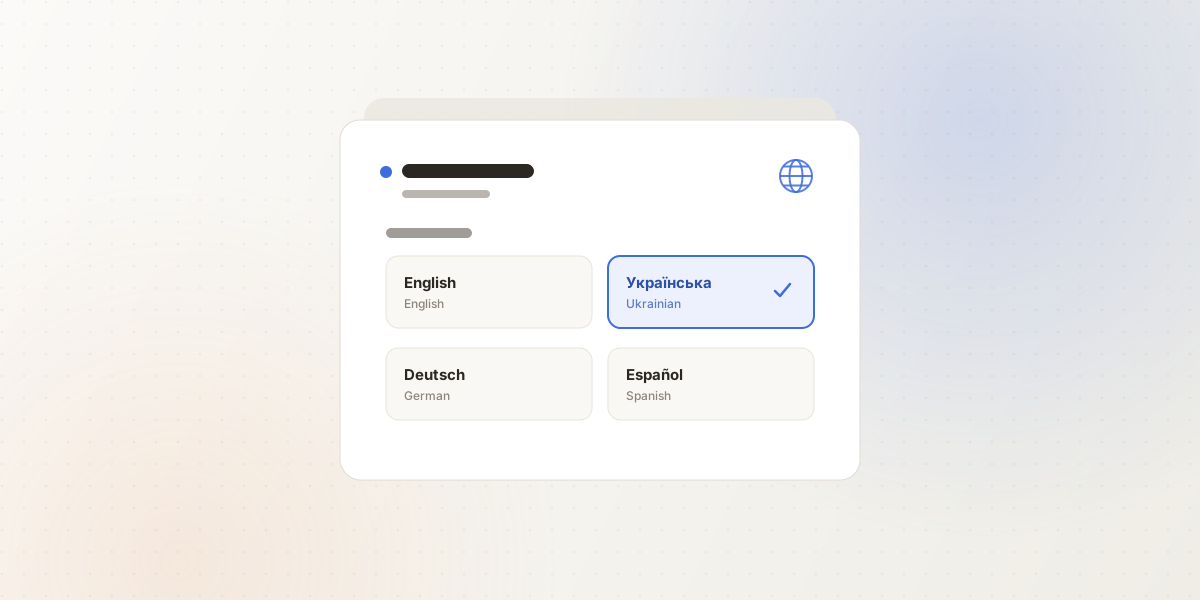
A quieter fix that has been wrong since launch: Cyrillic text on PDFs. Ukrainian client names and descriptions came out blank or as mojibake on every invoice anyone downloaded — the fonts a PDF ships with by default simply do not carry those letters. Numirio now embeds a font that covers Cyrillic, Greek, and accented Latin, so an invoice in Ukrainian reads as an invoice in Ukrainian. Fitting, for a product built in Kyiv.
You can also invoice in Ukrainian hryvnia now. Invoice and client rows gained a right-click menu, so you can send, duplicate, mark paid, void, or archive without opening anything — including marking an invoice unpaid again, which until now you simply could not undo. Settings split into Account and Workspace, and clicking a stat on the overview filters the list beneath it.
A quote your client can sign is a different object from a quote you email as a PDF.
If your quotes have a shape Numirio cannot hold yet, I want to hear about it — write to me at contact@numirio.com. I read all of it.